Dashboard
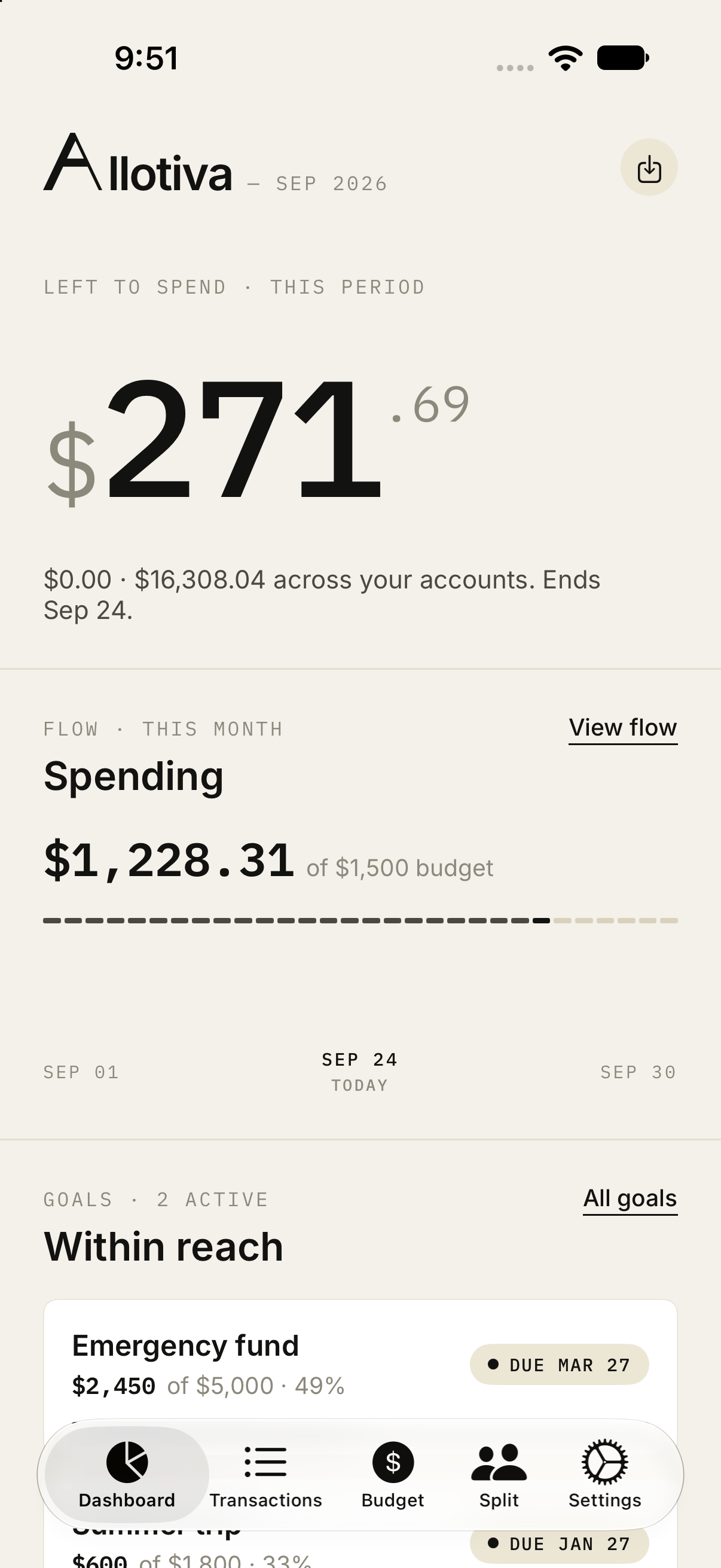
The home screen leads with what is left to spend in the current period, then monthly spending against the budget, then active savings goals and their due dates.
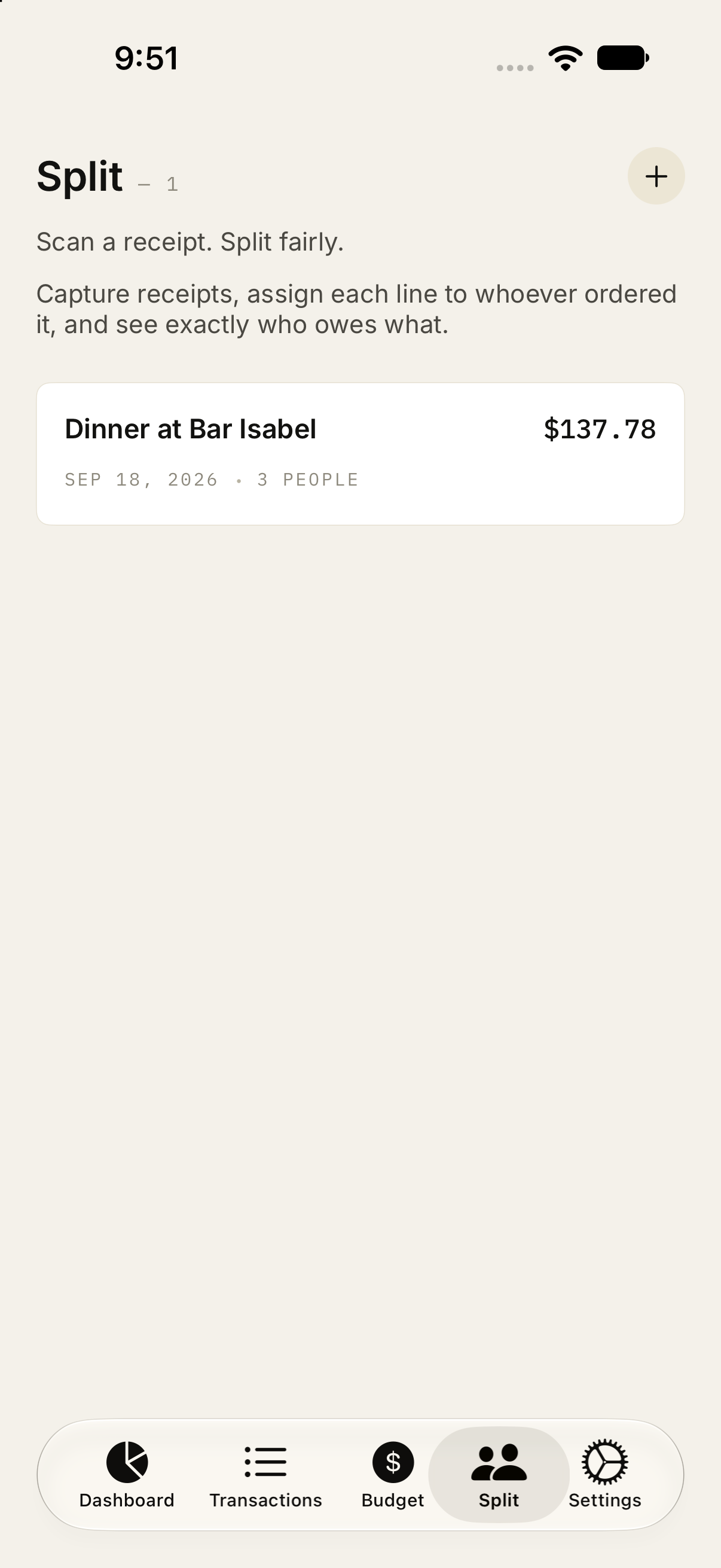
Budgets
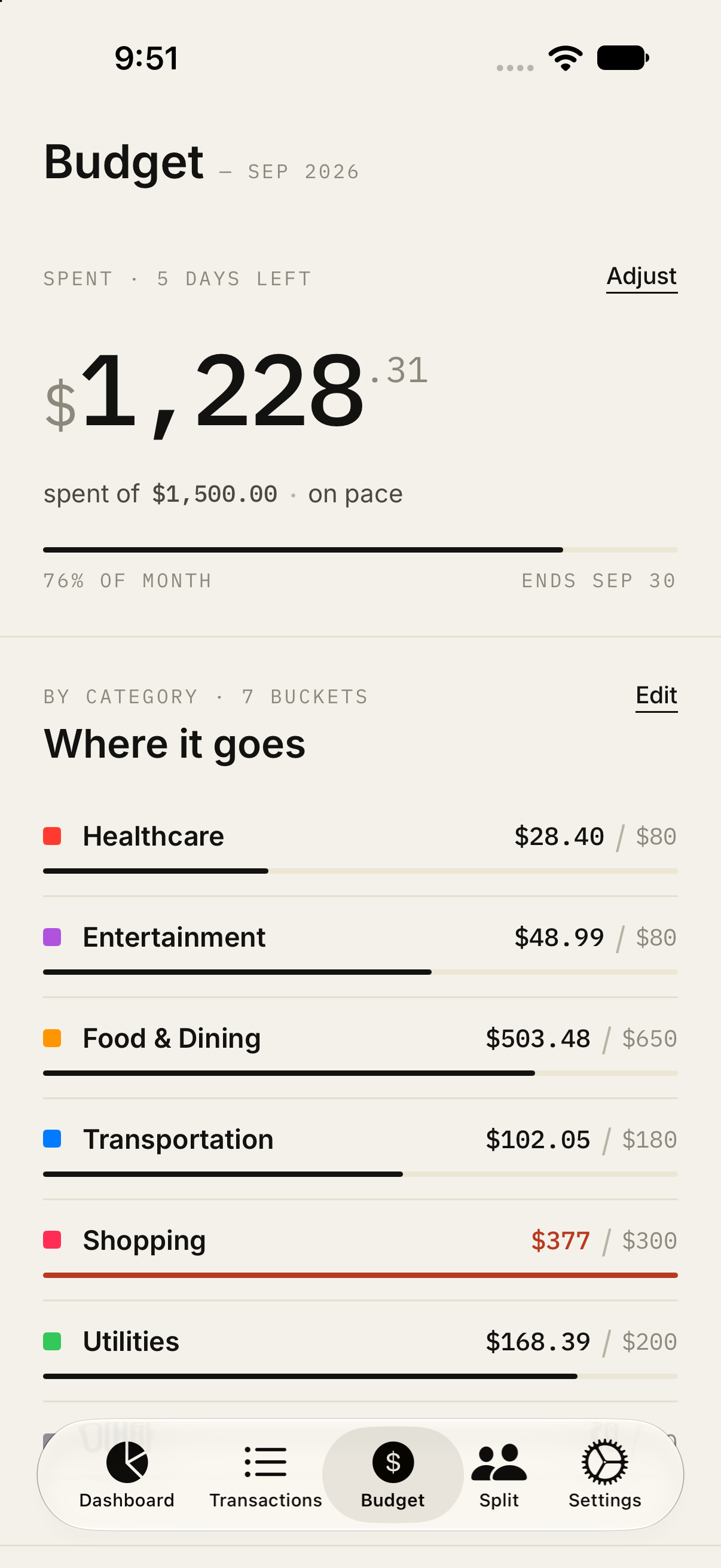
Each month has a spending limit and category buckets. A category that passes its limit is marked in red, and the month itself flips to over budget when total spending does.
Bill splitting
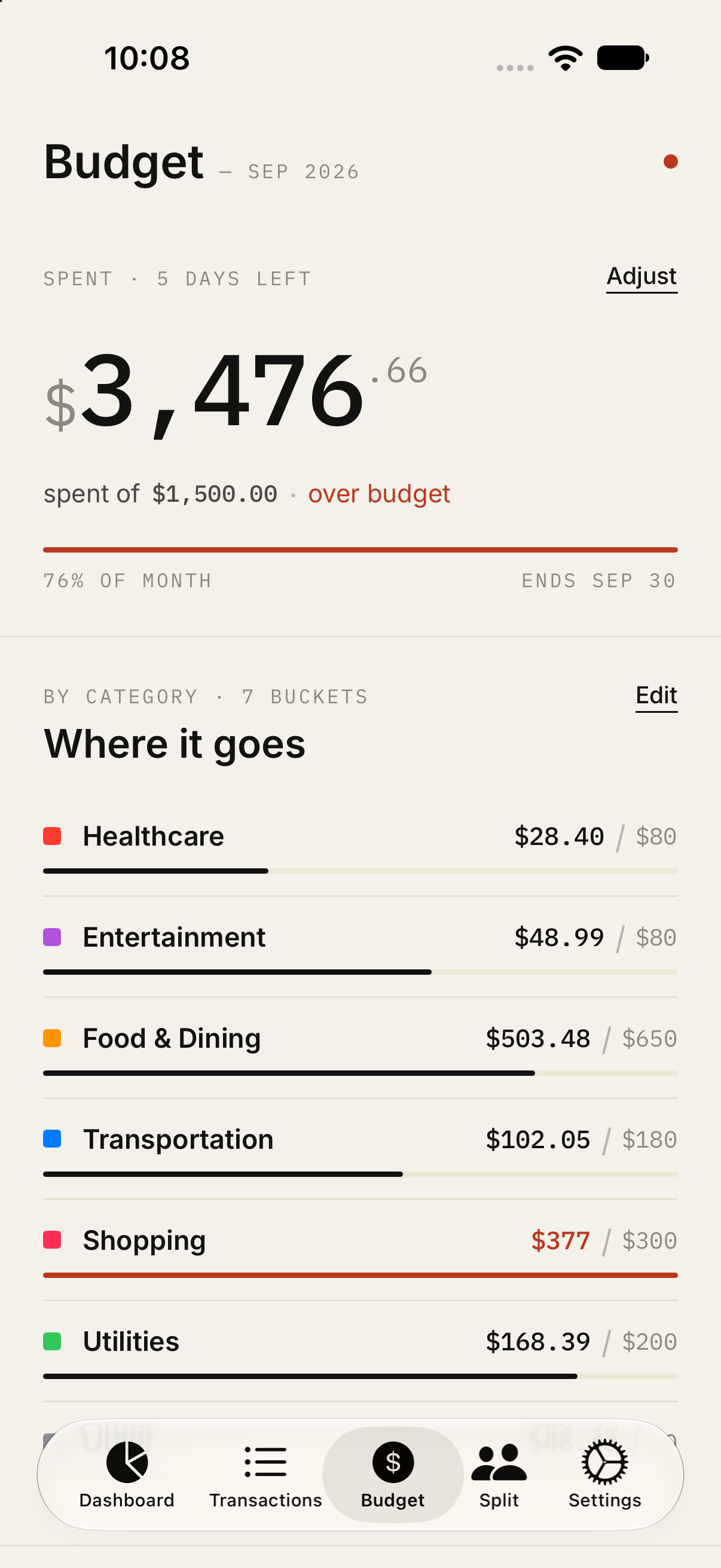
Capture a receipt, assign each line to the people who ordered it, and see who owes what. Saved splits keep the merchant, total, date, and headcount.
Getting money in
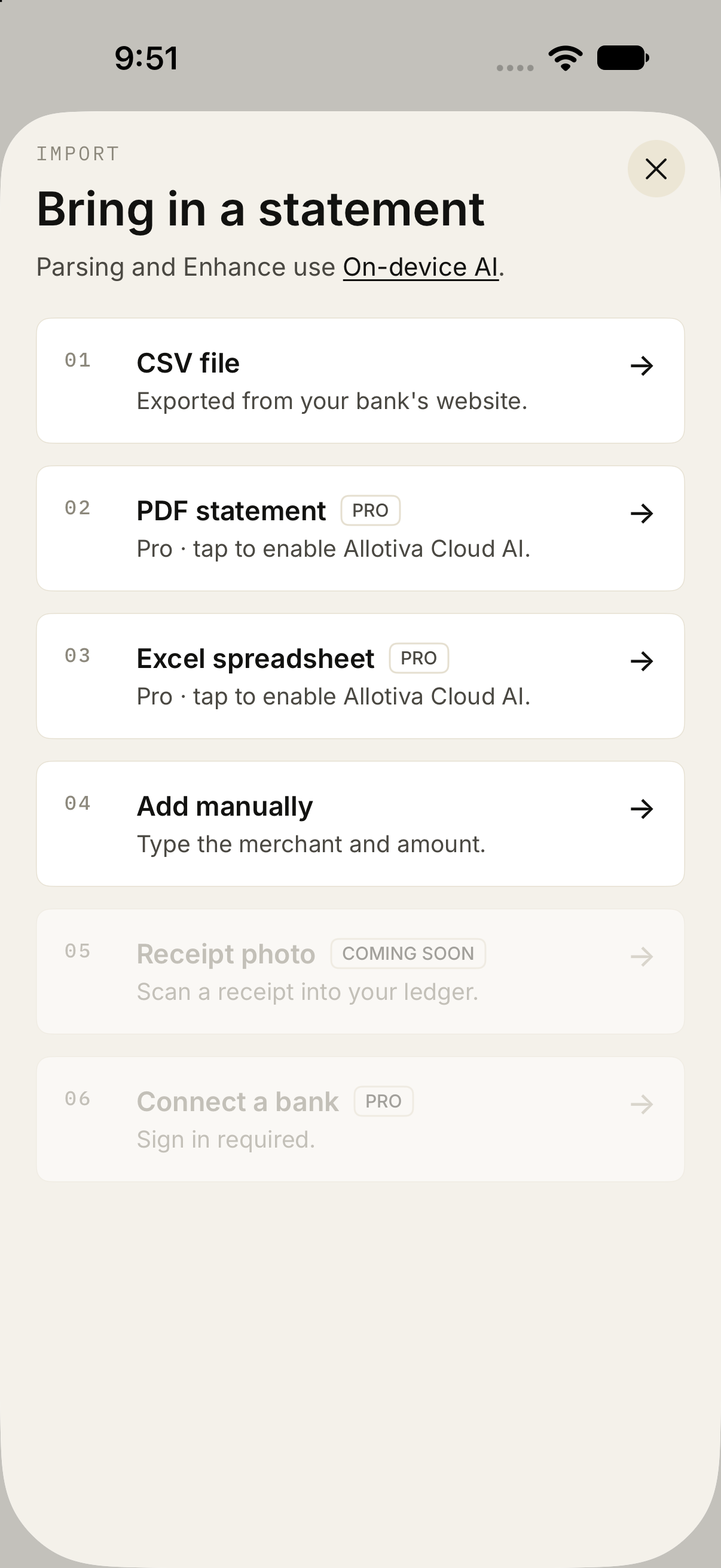
Transactions can be typed in, imported from a CSV, or brought in from a PDF statement or Excel spreadsheet. PDF and spreadsheet import, and live bank connections, sit behind Pro.
Statements and receipts
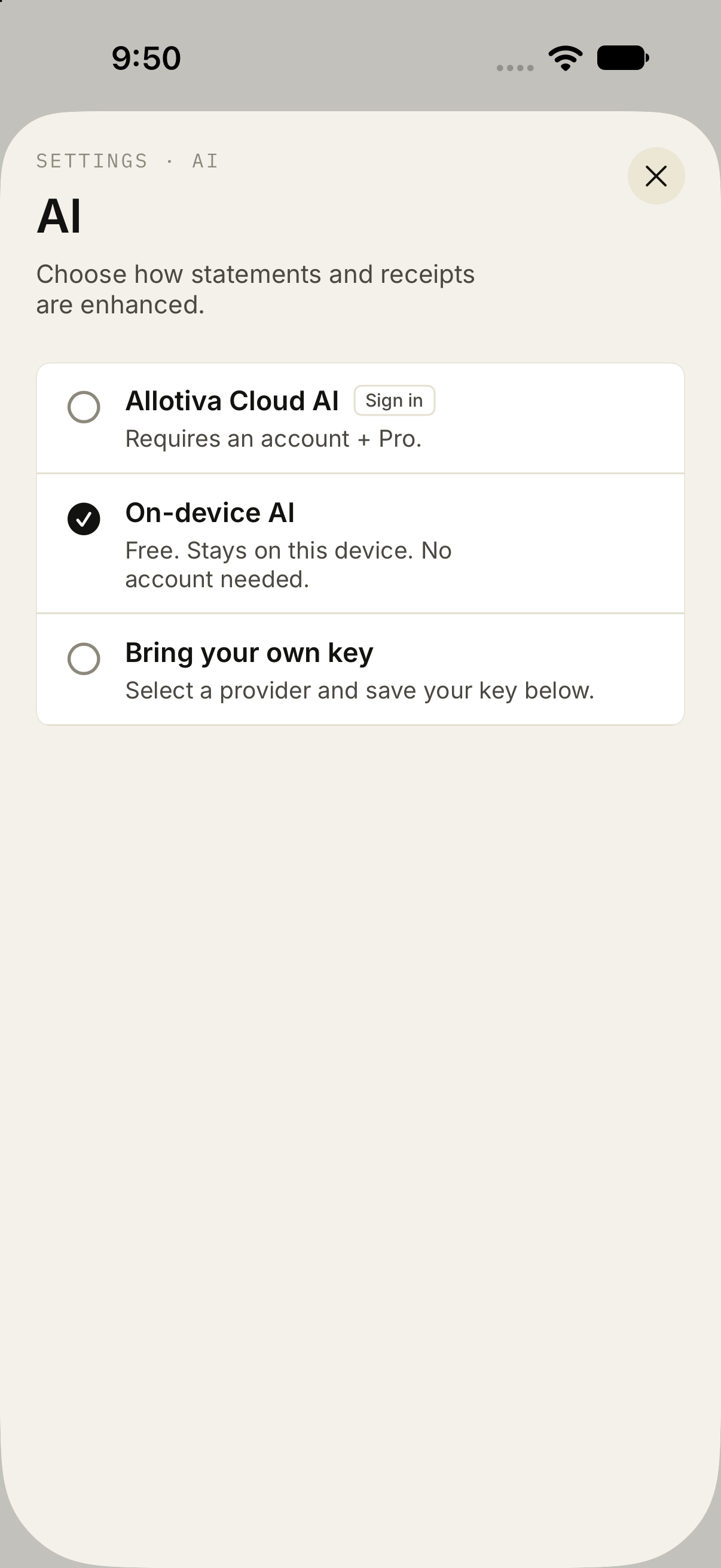
Parsing can stay on the phone, run through Allotiva Cloud AI, or use a key you supply. On-device mode needs no account.
Canadian banks
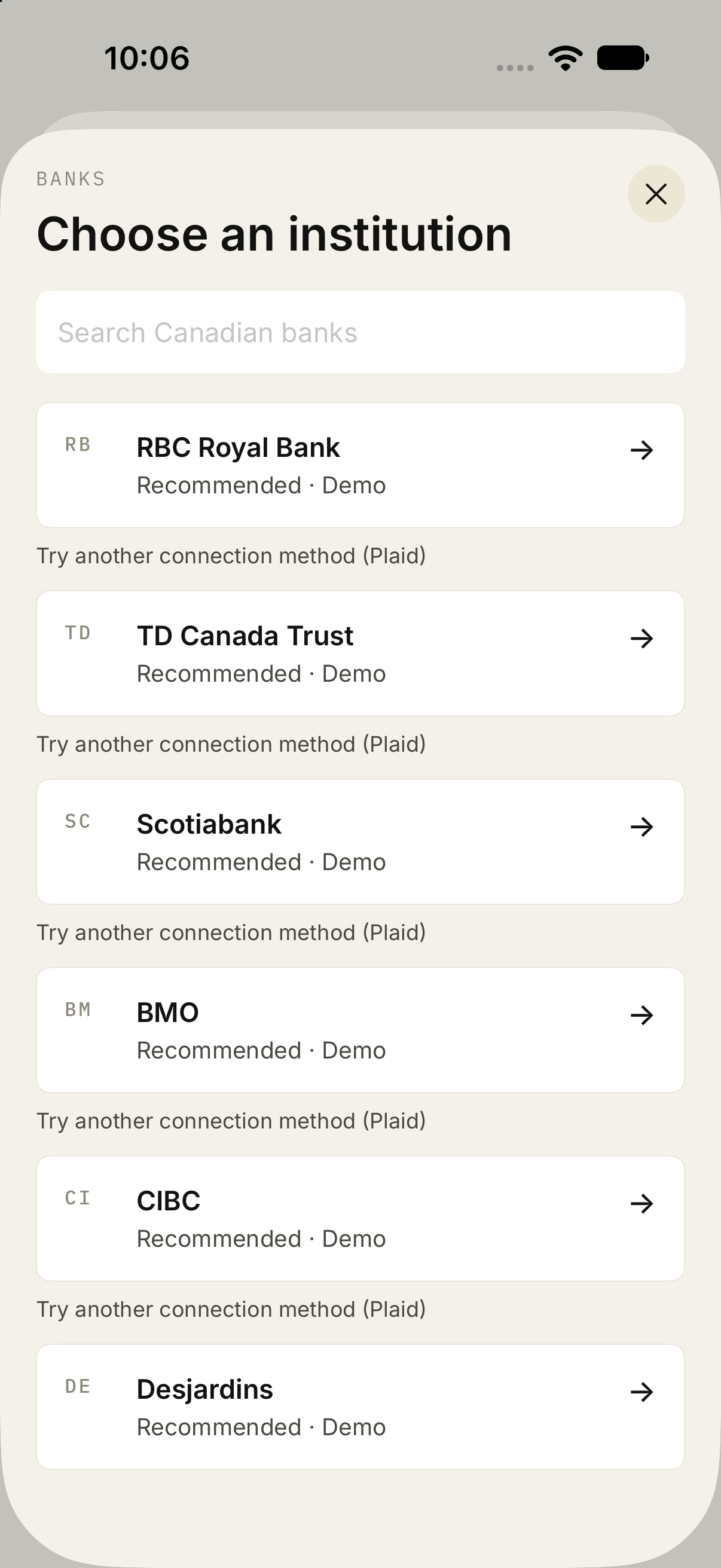
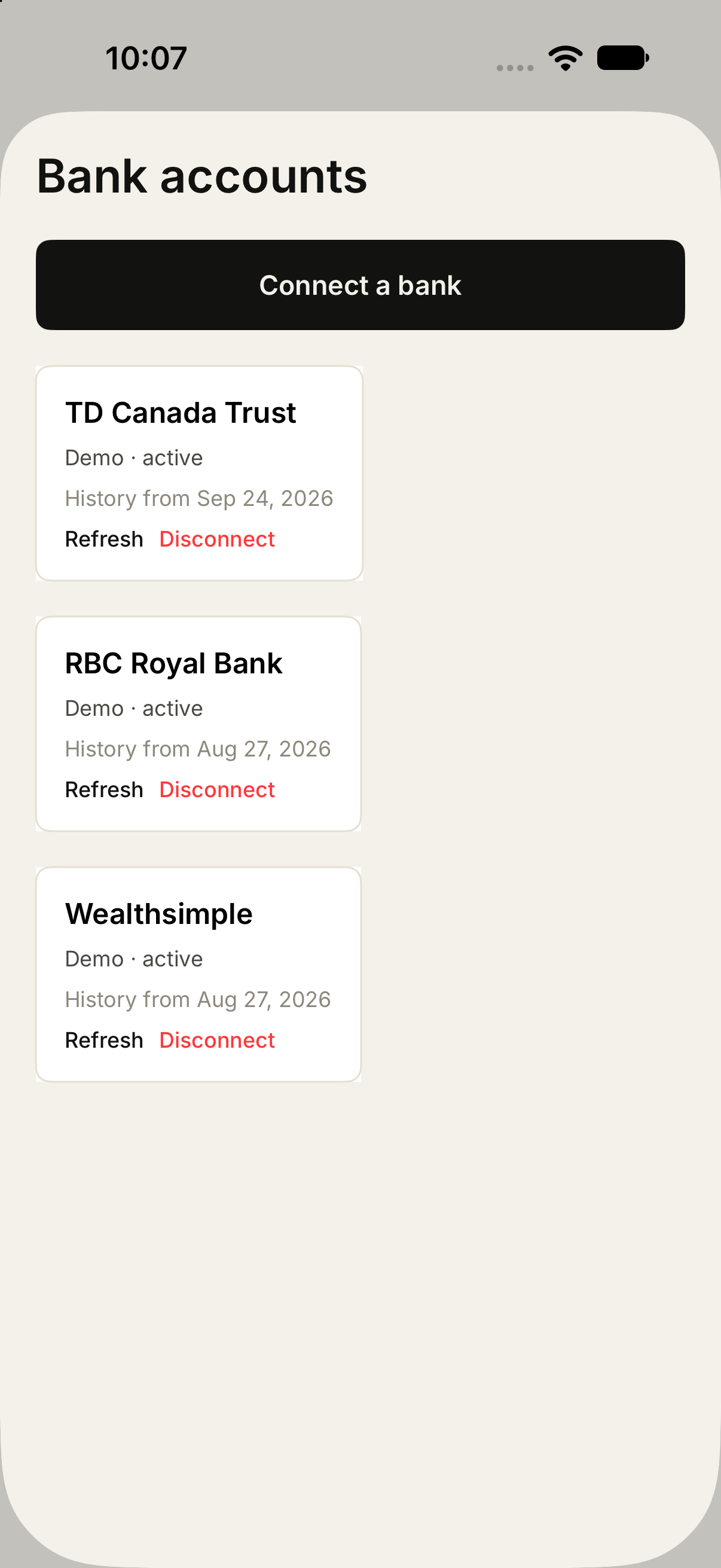
The link flow searches Canadian institutions and keeps each connection so it can be refreshed or removed. These shots are from the demo connector. The product uses the same screens with a live provider.